How it works
One simple path replaces the spreadsheet, the payment reminder, and the disconnected client folder.
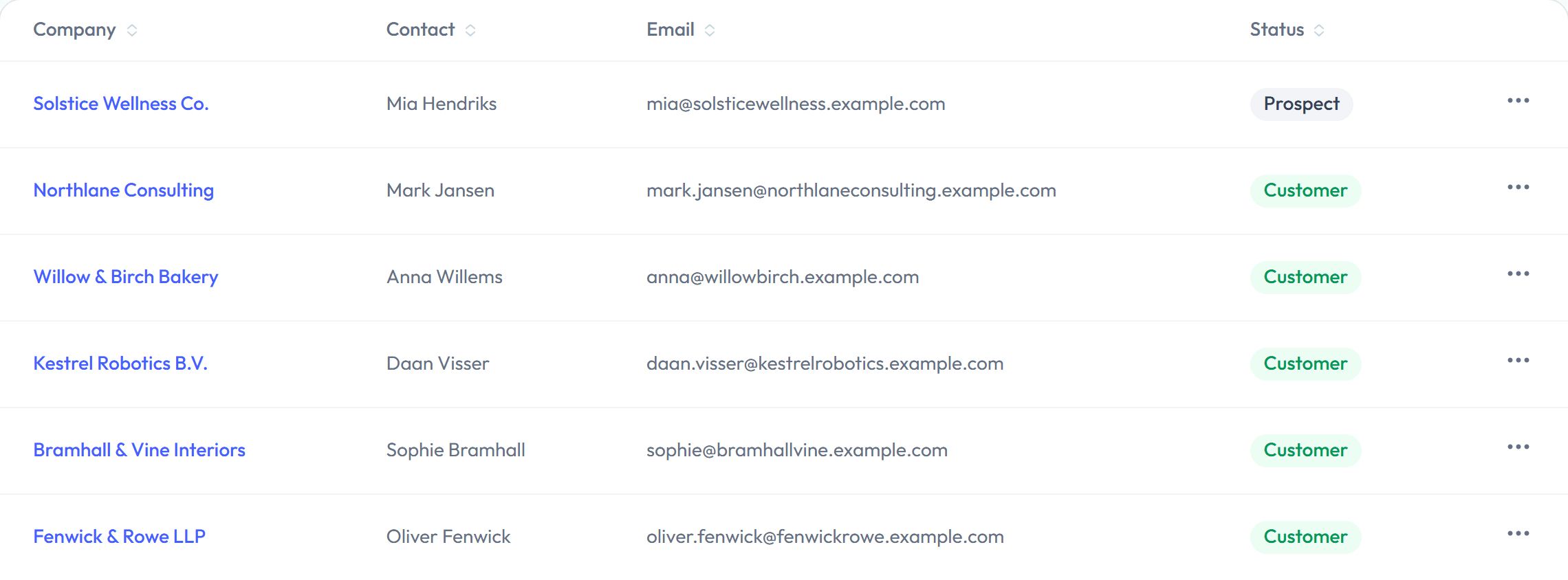
Add your client
Keep contacts, billing details, and notes together, with no separate CRM required. Everything you add stays linked to that client automatically.
Build the invoice
Pull in tracked time, add line items, tax, discounts, or set up a recurring schedule for retainer clients.

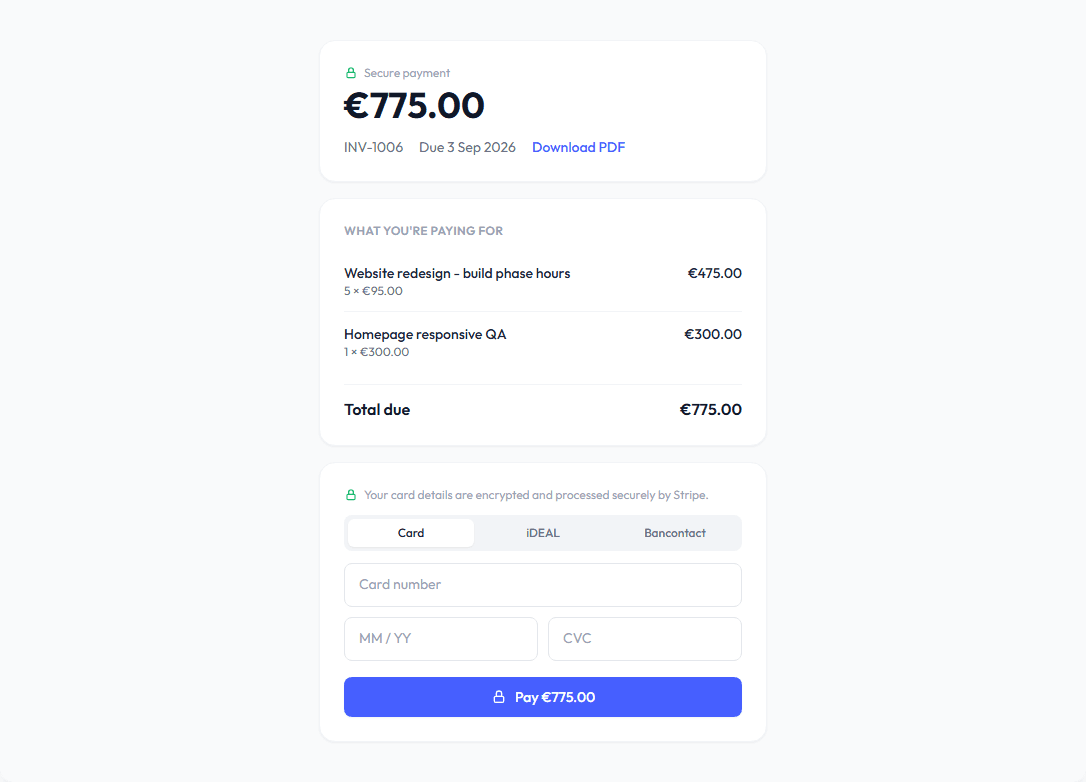
Send one link
Your client views and pays from any device, without creating an account or typing in bank-transfer instructions.
Know what’s paid
Paid, sent, and overdue states stay visible across every client, so follow-up never relies on memory or a spreadsheet.

Ready to send your first invoice?
Start free. Add one client, and you're most of the way there.
Start for free